




The Secupro APP
Your family's safety,
in your pocket.
One app to see where they are, set safe zones, take their calls, and respond the instant an SOS comes in. Free with every SecuLife device — on iPhone and Android.
App Store Get it on
Google Play
Five things you'll do every day.
Designed parent-first — quick to glance at, powerful when it counts.
See where they are — and where they've been.
Open the app for a real-time location and exact address, then scroll the timeline to retrace their whole day. Adjustable update intervals keep it accurate without draining the battery.
Get a ping the moment they arrive — or wander off.
Draw safe zones around school, home, a friend's house or activities. You and every caregiver get an instant notification whenever they enter or leave a zone.
When seconds count, the app puts you in control.
The moment they press and hold SOS, every caregiver gets a full-screen alert with their live location and one-tap calling — even if the watch is on silent or in Classroom Mode.
Voice & video calls — only with people you approve.
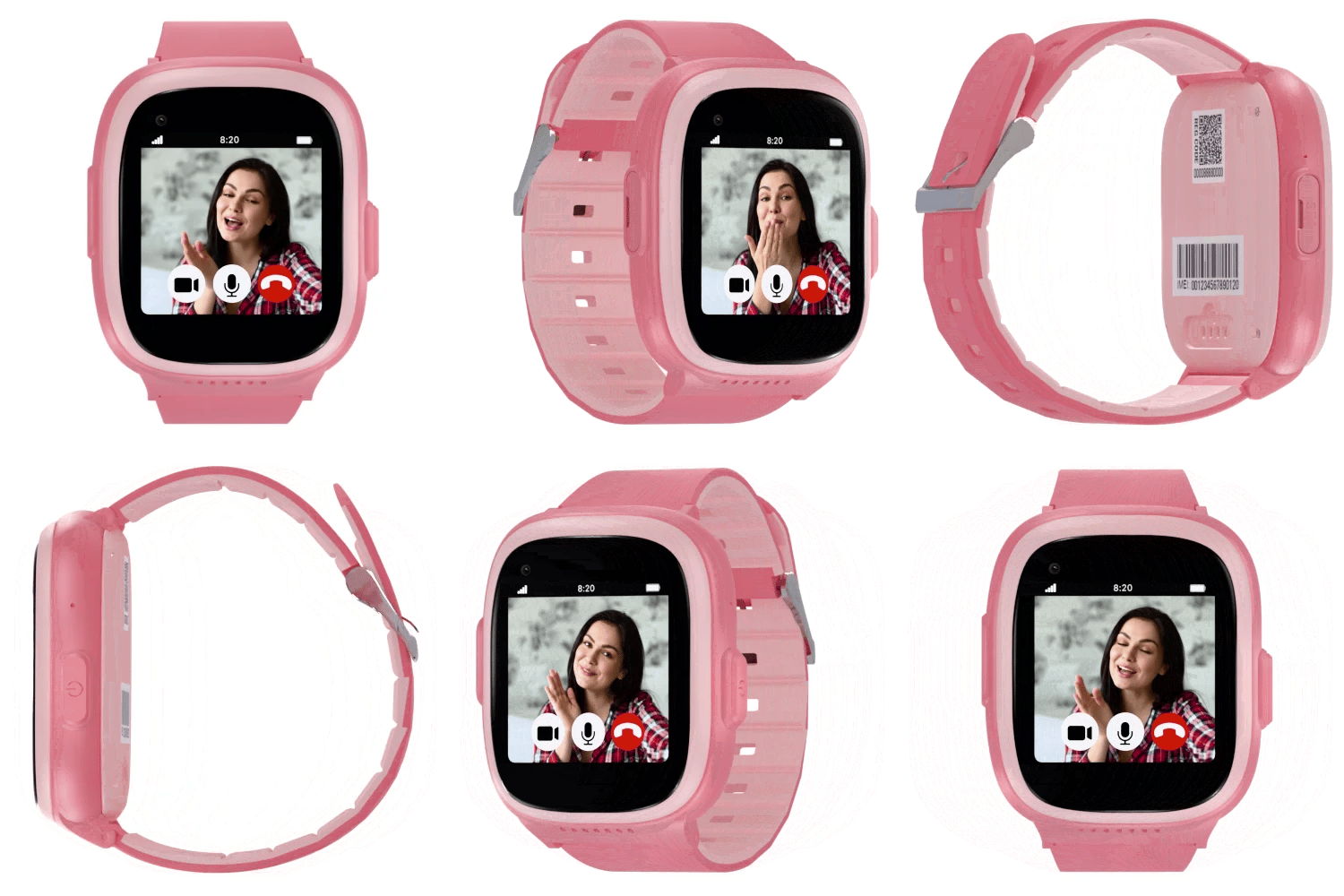
Add trusted contacts in the app and they can call, video chat and send voice messages. Every unknown number is blocked automatically — no spam, no strangers.
Safety is a team effort. Add the whole family.
Invite grandparents, a co-parent or a babysitter so everyone can help monitor routines and respond to alerts. You decide exactly what each person can see and do.
Everything, in one calm place.
Battery, signal and last check-in for every device, right on the home screen.
Low-battery, left-the-zone and SOS alerts — pushed instantly to your phone.
Schedule silent school hours from the app. SOS always stays active.
Only approved users can sign in. Your family's data stays private.
A parent-first design that feels at home on whatever phone you carry.
All the safety of staying connected — without the internet, games or social media.