


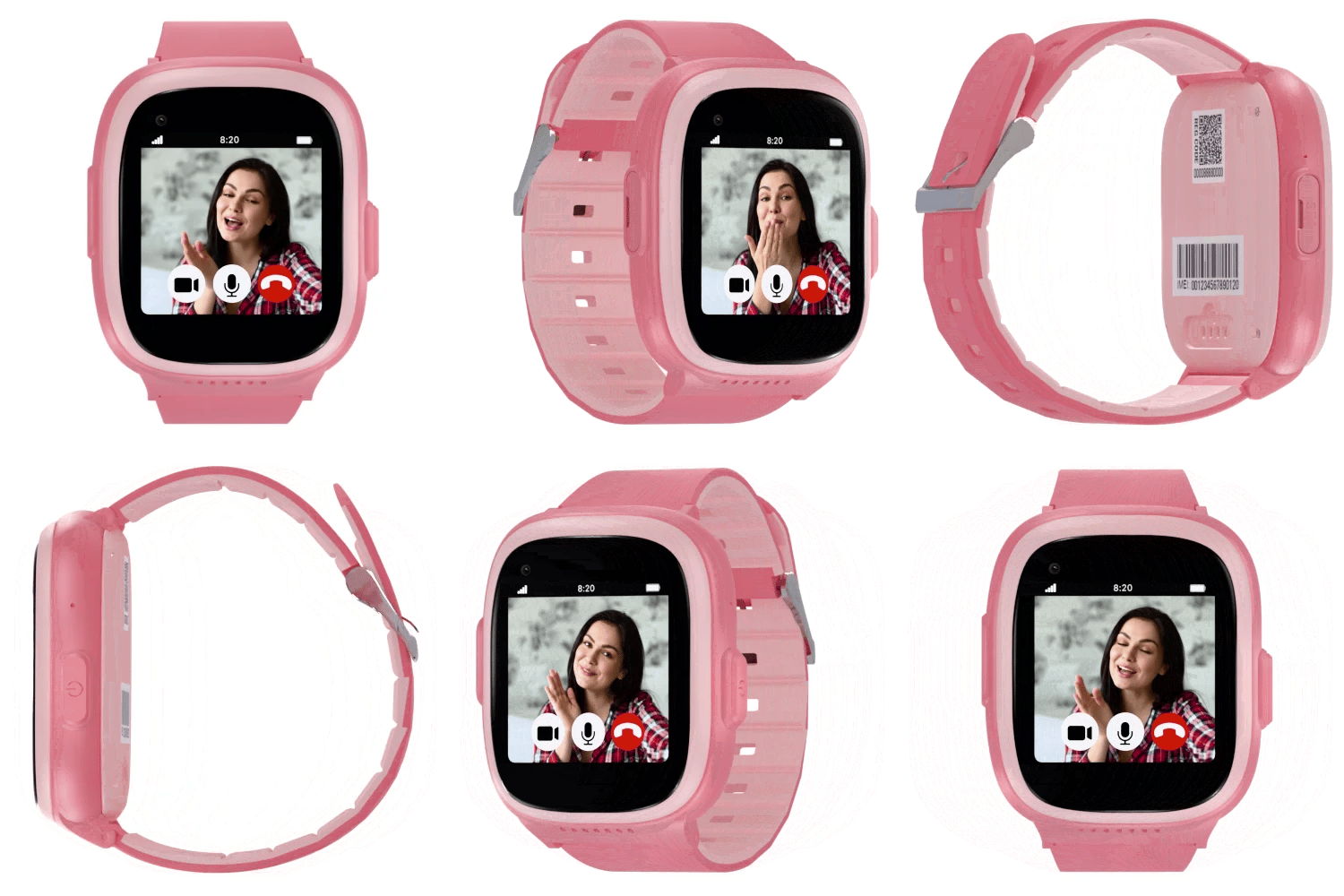


SecuPro Mobile App Features
The SecuPro Mobile App by SecuLife gives caregivers a powerful control center for monitoring elderly loved ones, children, and individuals who need enhanced safety and emergency support. Compatible with both iOS and Android devices.
Core Safety & Emergency Features
Automatic Fall Detection Alerts
The app instantly alerts caregivers when a fall is detected by the wearable device.
- SMS text alerts with live location
- Push notifications
- Automatic emergency calling to 3 preset contacts
- Emergency mode live tracking automatically begins
- Live tracking continues for one hour
SOS Emergency Alerts
When the user presses and holds the SOS button, caregivers are immediately notified.
- Emergency contacts receive alerts instantly
- GPS coordinates shared via SMS and app
- Automatic dialing of emergency contacts
- Multiple caregivers can receive alerts simultaneously
- Emergency mode live tracking activates automatically
Emergency Mode Tracking
One of the strongest safety features of the SecuPro ecosystem.
- Activates automatically after SOS or fall detection
- Sends live GPS updates every minute
- Continues for one hour unless manually deactivated
- Allows real-time movement tracking during emergencies
- Helps responders locate the wearer faster
GPS & Location Monitoring
Real-Time GPS Tracking
- View the wearer’s live location on a map
- Track movement in real time
- Monitor location remotely from anywhere
- Compatible with iPhone and Android devices
- Works using built-in cellular connectivity
GPS Update Frequency Controls
Caregivers can configure how often GPS updates are sent.
- Every 5 minutes
- Every 15 minutes
- Every 30 minutes
- Every 60 minutes
More frequent updates provide more accurate tracking but may reduce battery life.
Location History & Route Playback
- Travel history
- Route timelines
- Location logs
- Arrival and departure records
- Duration spent at locations
Geofencing & Safe Zones
Custom Geofence Creation
Create virtual safety boundaries around important locations.
- Home
- School
- Medical facilities
- Workplaces
- Senior centers
- Family homes
Entry & Exit Notifications
- Alerts when the wearer leaves a safe zone
- Alerts when the wearer arrives at a safe zone
- Unexpected wandering notifications
- Restricted area entry alerts
Ideal For
- Dementia care
- Alzheimer’s monitoring
- Child safety
- Independent seniors
Caregiver & Family Management
Multiple Caregiver Access
- Multiple family members can monitor the same device
- Shared monitoring access
- Simultaneous alerts
- Shared emergency visibility
- Multi-user caregiver coordination
Approved Contact Controls
- Create approved contact lists
- Restrict unknown callers
- Prevent scam and spam calls
- Control who can communicate with the device
Secure User Permissions
- GPS data access protection
- Location history security
- Emergency notification controls
- Device management protection
Communication Features
Two-Way Calling
- Clear two-way voice communication
- Incoming and outgoing calling
- Emergency voice contact
- Hands-free speakerphone support
Auto-Answer Support
- Automatic answering for seniors
- Easier communication for physically impaired users
- Simplified emergency response
Especially useful for elderly users, disabled individuals, and fall emergencies.
Auto-Dial Emergency Calling
- Automatically calls emergency contacts in sequence
- Calling continues until someone answers
- Multiple emergency contacts can be configured
Alert & Notification System
Instant SMS Alerts
- Text alerts
- Push notifications
- GPS coordinates
- Emergency event details
- Geofence notifications
Push Notifications
- Live emergency alerts
- Geofence alerts
- Tracking updates
- Device status notifications
- Activity notifications
Notification Customization
- Configure alert recipients
- Adjust GPS update frequency
- Manage geofence settings
- Customize notification types
- Set emergency contacts
Device & Monitoring Management
Device Activity Dashboard
- Monitor device status
- Review alert history
- Check tracking activity
- Manage connected devices
- View battery and operational information
Cross-Platform Support
- iPhone
- iPad
- Android devices
The SecuPro mobile app is free to download.